


Build your second brain. Organize your mind.
Feeling scattered? PARA is a simple fix.
You’re reading more, learning more, and saving more than ever before.
But when you actually need to use something—an idea, a quote, a note you were sure you saved—you can’t find it.
You’re not forgetful.
You’re just missing a system that thinks with you.
That’s what Tiago Forte’s PARA Method offers: a simple, powerful way to organize your mental world.
If you haven’t yet, read my in-depth breakdown of PARA here:
What Is PARA? The Framework That Organizes Your Mind Without Burning You Out
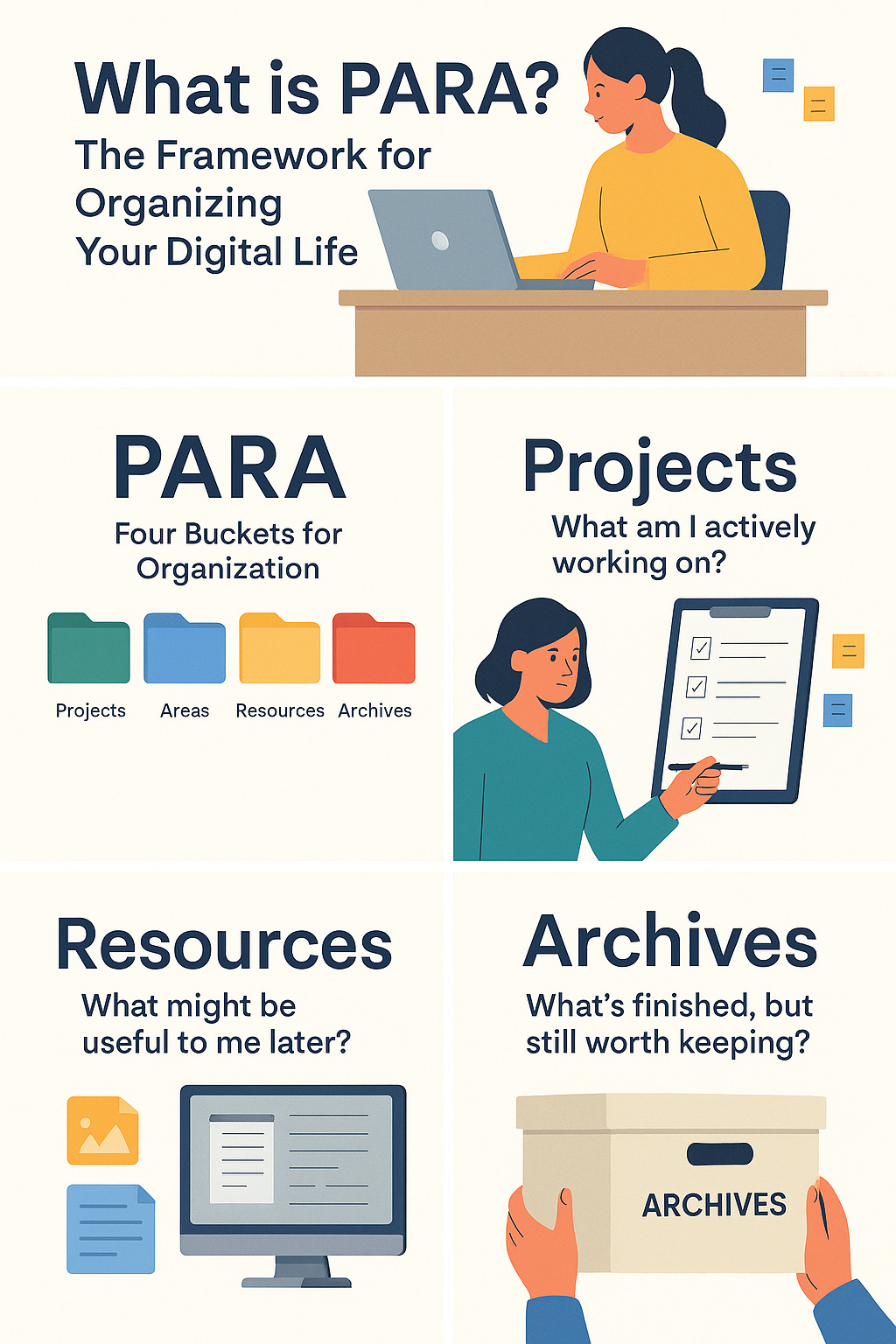
What is PARA?
PARA is an acronym for:
Projects – Active efforts with a goal and timeline
Areas – Ongoing responsibilities or life categories
Resources – Notes, tools, or inspiration you may use later
Archives – Past work or inactive content you want to keep
It works in whatever tool you already use—Google Drive, Notion, Dropbox, or even your desktop folders.
Free Download: PARA Setup Guide + Sample Folder

I’ve created a practical companion to the full PARA article—a downloadable setup guide with:
A breakdown of each PARA category
A sample folder structure
Easy-to-follow setup steps
Maintenance tips so it stays clean
Download the Setup Guide

No tech overwhelm. Just a system that fits the way your mind actually works.
How to Use It

Create a folder labeled “Second Brain”
Inside it, add four folders: Projects, Areas, Resources, Archives
Sort your current notes and documents accordingly
Enjoy the sudden drop in mental noise
What’s Next?

Next week, I’ll share:
How to maintain PARA without creating digital clutter
A guided Notion template version of the system
Want to share how you’re setting up your Second Brain?

Comment below or reply to this post.
I’d love to see how you’re making PARA your own.
